




Small apps forthe things youdo every day.

We build tools that make work easier, more fun and frictionless. Small macOS apps, a product system and two developer tools. Four apps are in private beta. The rest are in development or open source.

Lube Clipboards icon

Lube Clipboards

Private beta

A better picker, screenshots you can mark up, and a place for every clip. Universal clipboard coming soon.

See everything Clipboards can do →
  • Your clipboard, a shortcut awayPress ⌘⇧V anywhere to open your clipboard history. Paste with ⌘1–9, or as plain text with one key.
  • Screenshots you can mark upCapture, then add arrows, boxes, text, numbered steps, pixelation or a signature before you paste. Text inside screenshots is searchable.
  • Keep links and images in orderFind links by site and images by app or date. Keep the rest together on pinboards.
  • Universal clipboard, coming soonCopy on your Mac and paste on Windows, Linux, iOS or Android.
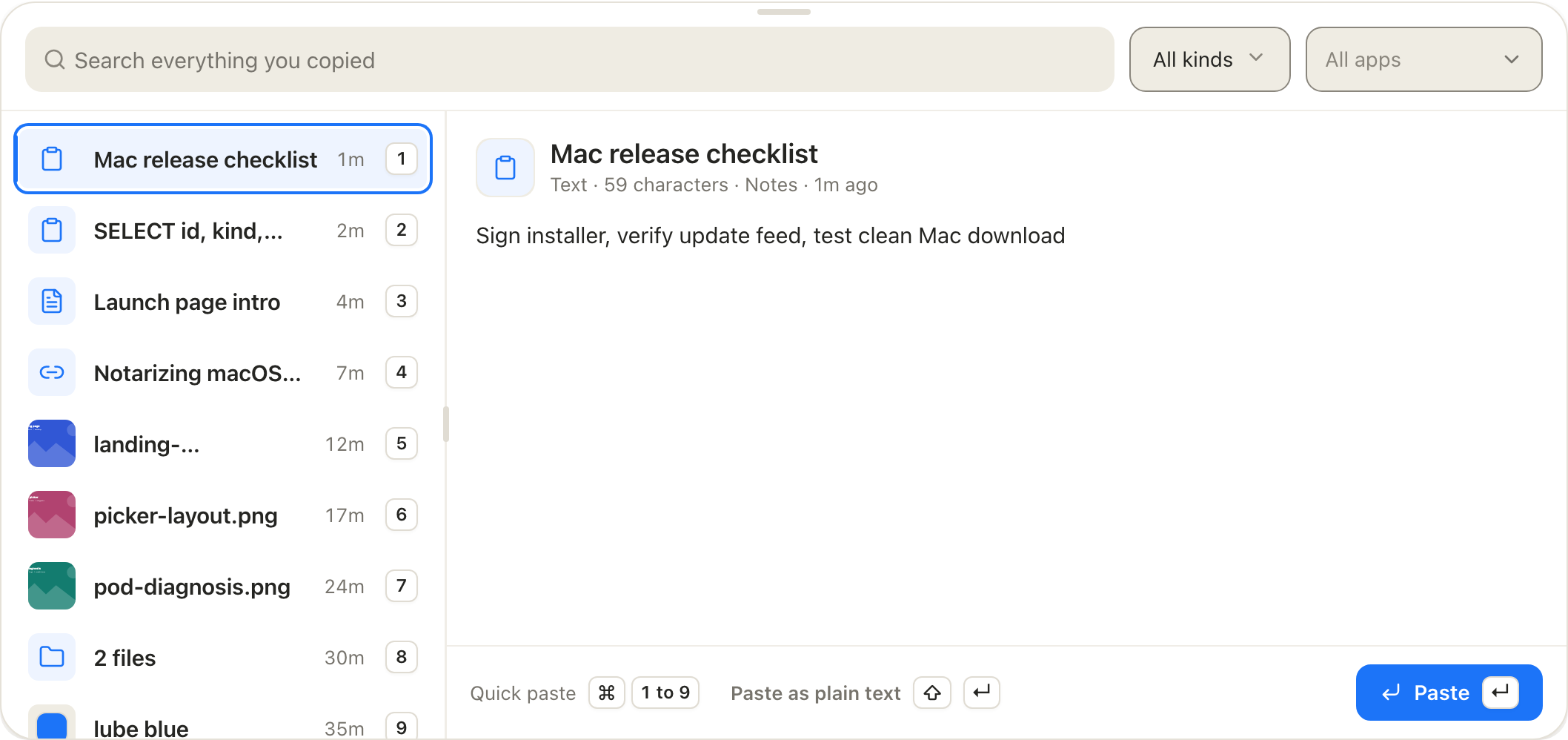
Lube Clipboards quick picker in light mode
Press ⌘⇧V to find a clip, preview it and paste it.

Screenshots, marked up before you paste

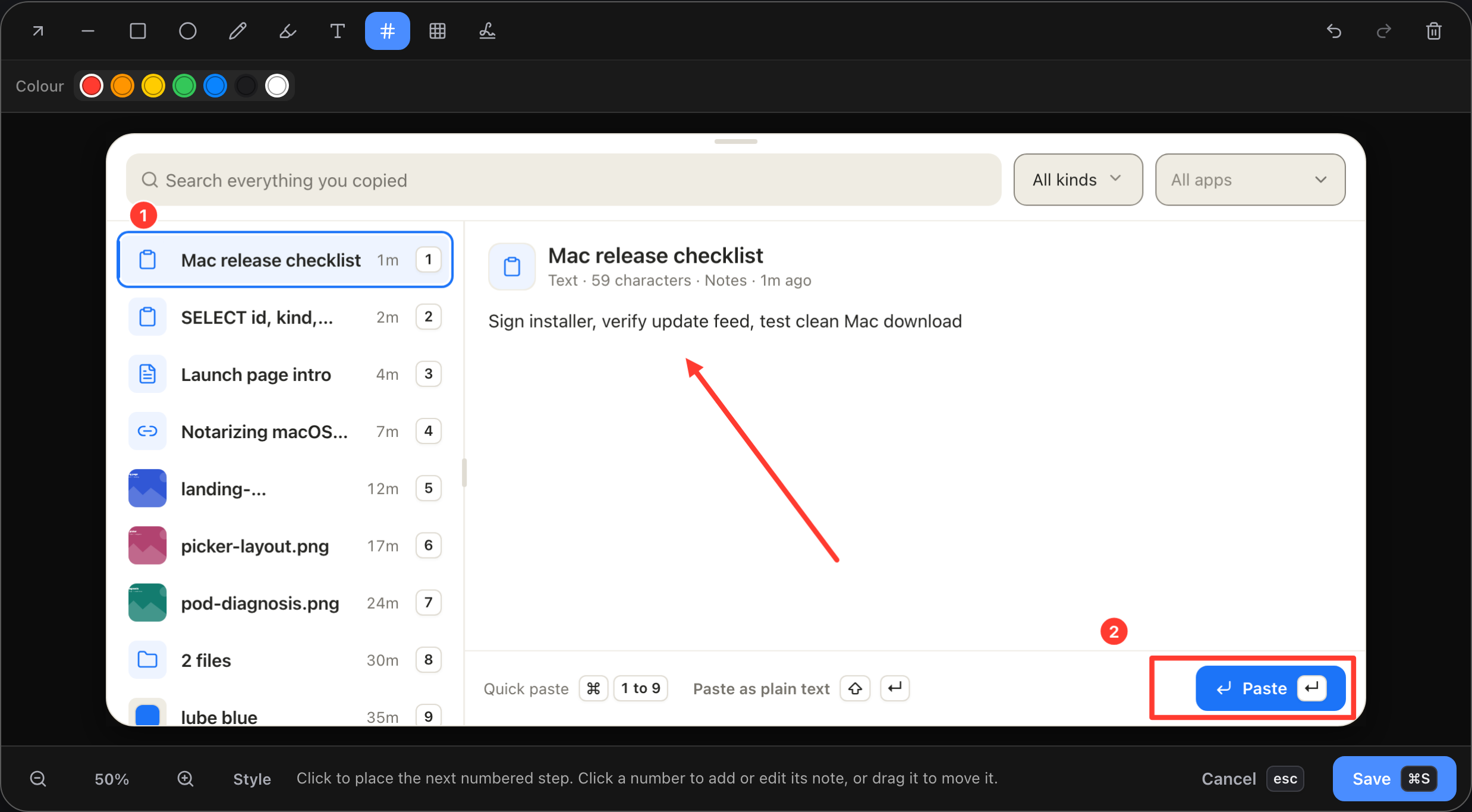
Capture a screenshot and add arrows, boxes, text, numbered steps, pixelation or your signature. All without leaving Clipboards.

Markup editor with an arrow, a box and numbered steps drawn on a screenshot

Find the screenshot you need

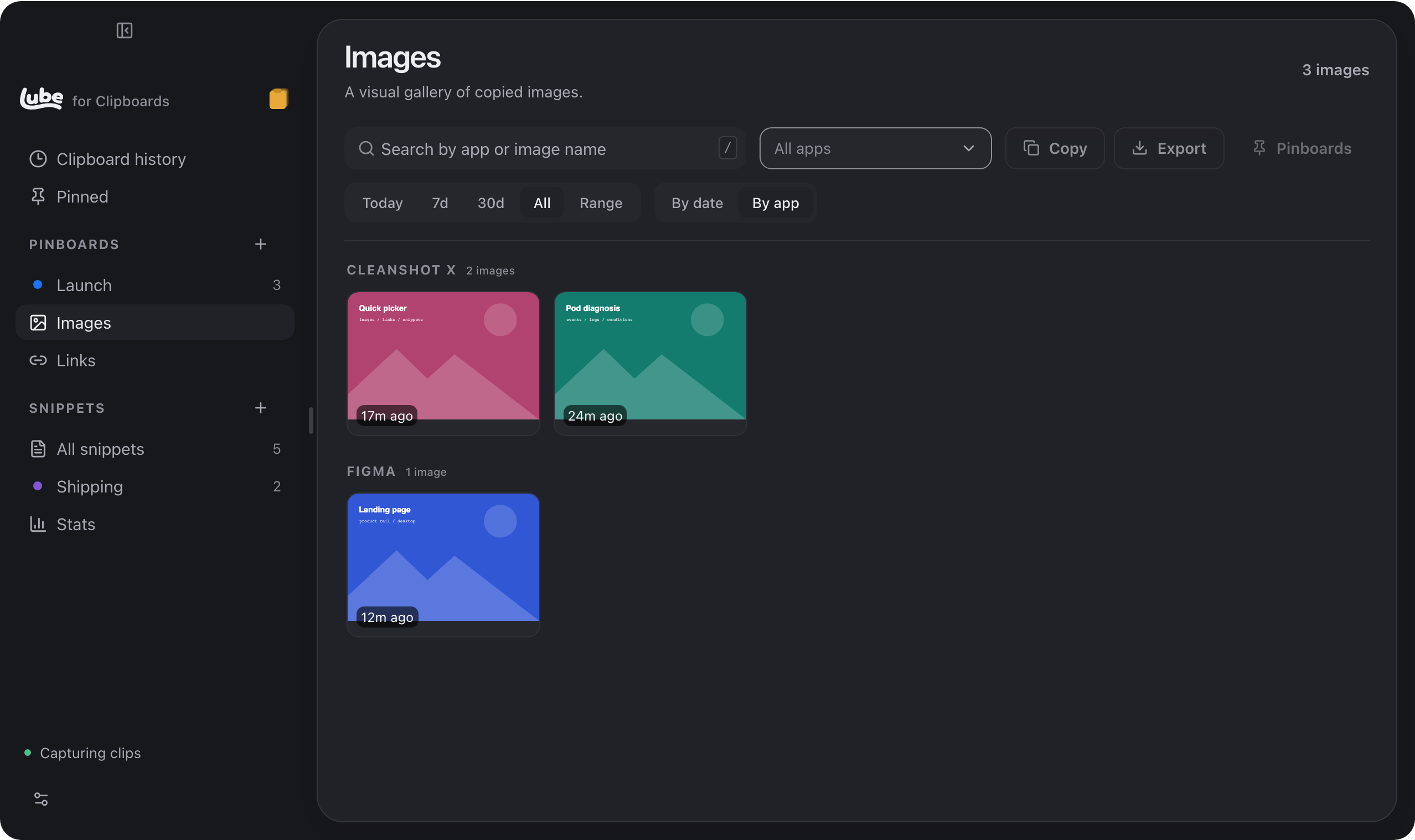
Every copied image goes into a gallery. Group by app or date, filter to today or the last week, then copy or export in bulk. Search for text inside screenshots, recognised on-device.

Images gallery grouped by the app they were copied from

Find that link you copied

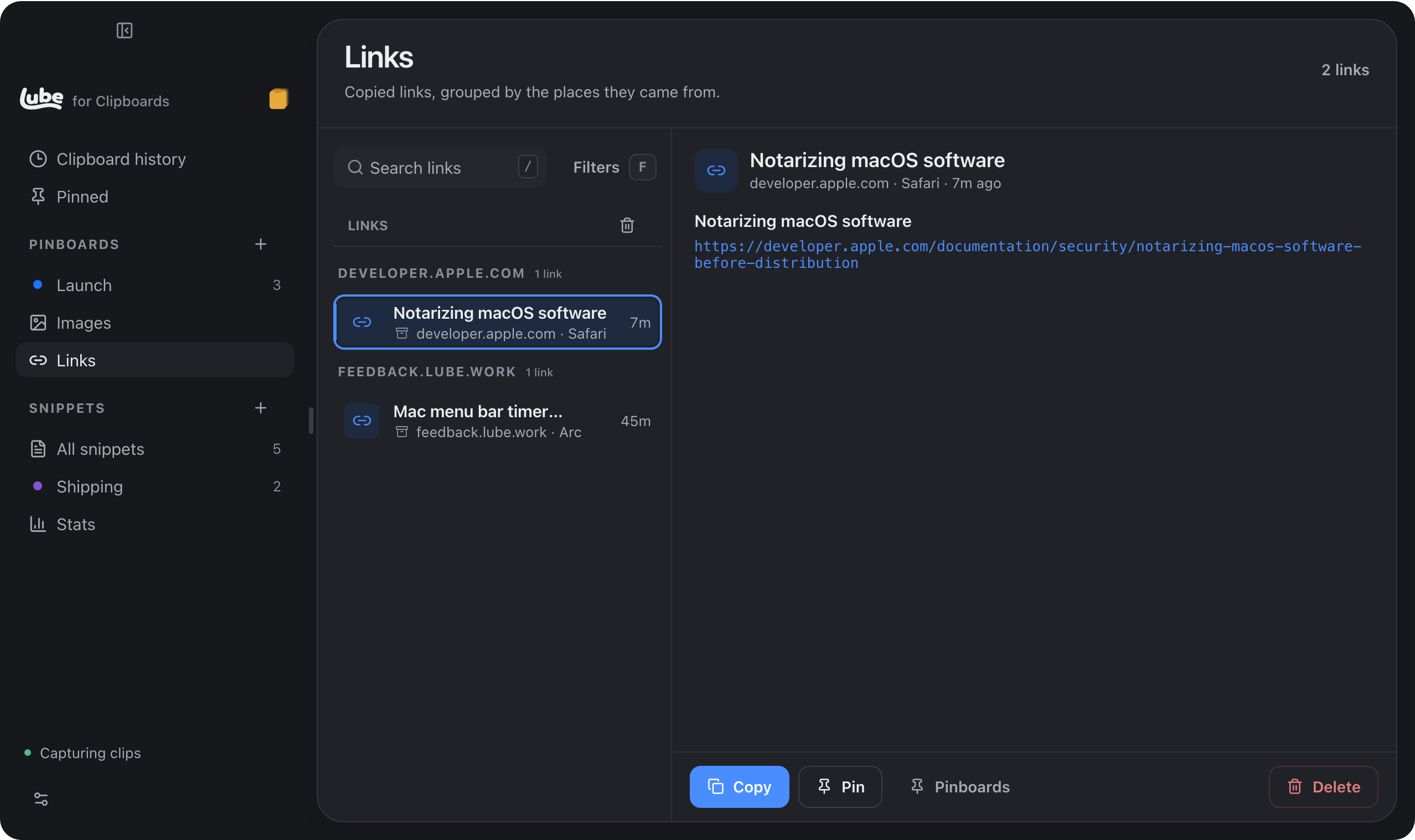
Copied links are grouped by site, with the page title and the app you copied from, so you can find that doc you had open last Tuesday.

Links view grouped by website

Snippets for the things you type every day

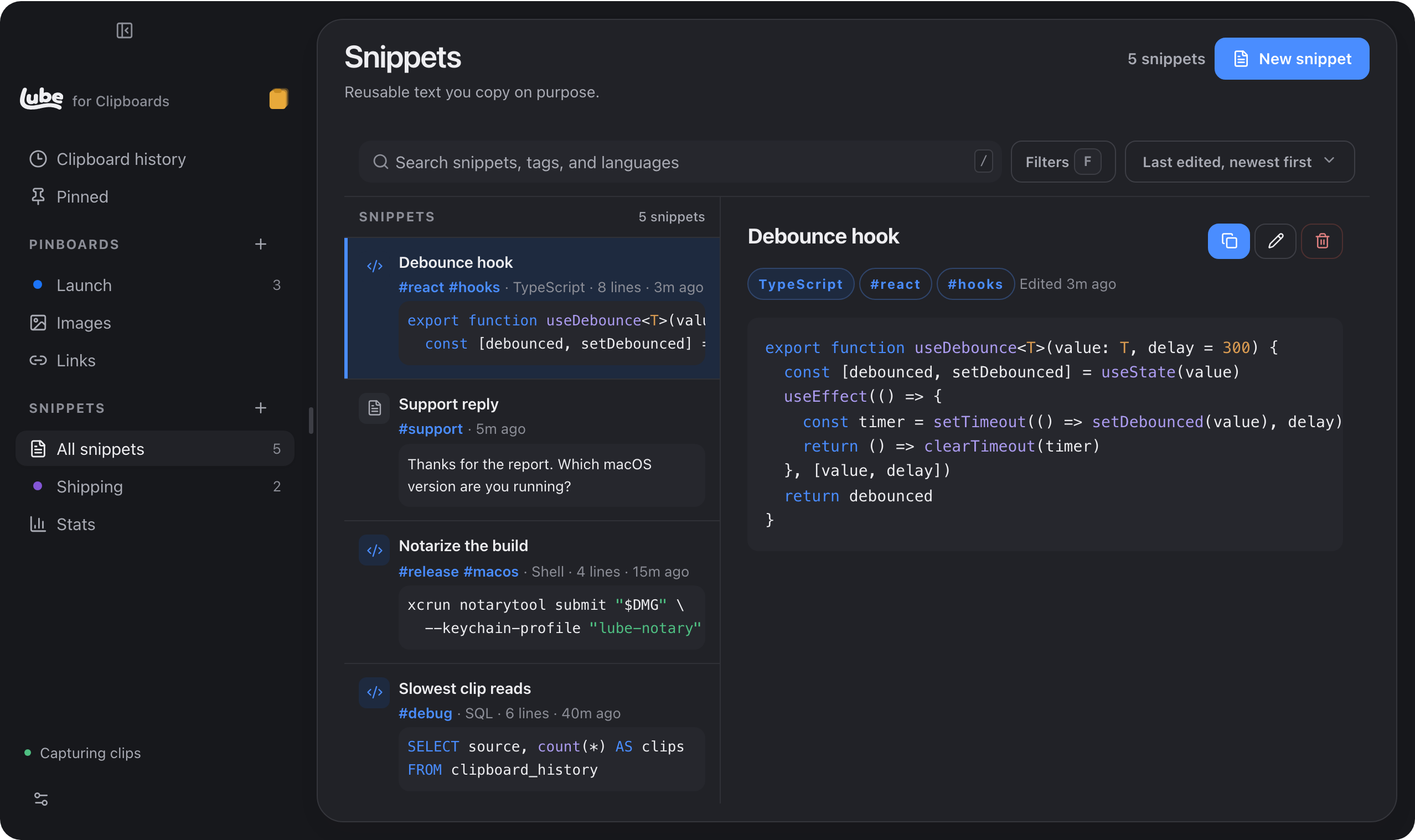
Save text and code to use again. Set a language for each snippet, with syntax highlighting, tags and collections.

Snippets with syntax highlighting and tags

Your clipboard, across devices.

Universal clipboard is coming soon to Windows, Linux, iOS and Android. Copy on your Mac, then paste on your phone or another computer.

Universal clipboard, coming soon
  • macOSPrivate beta
  • WindowsComing soon
  • LinuxComing soon
  • iOSComing soon
  • AndroidComing soon
  • Password copies excluded by defaultCopies from password managers aren’t recorded.
  • Opt-in AI accessLet AI tools access Clipboards over MCP. Off until you turn it on.

Screenshots show the real app with demo data.

Lube Activity Monitor icon

Lube Activity Monitor

Private beta

An activity monitor that lives in your menu bar, with process and fan controls.

  • Fan controlManual RPM targets, multi-sensor curves, profiles, and AC/battery switching through a privileged helper.
  • Ports and open filesSee a process’s open files and ports, and terminate the process that owns a port.
  • Processes grouped by projectGroup processes by project or agent. Exited processes stay in the list.
  • Menu bar firstKeep monitoring from the menu bar after closing the window. Get alerts for sustained CPU and memory usage.
Lube Resizer icon

Lube Resizer

Private beta

Hover over a macOS window and choose an exact size. Built for OBS and screen recording.

  • Hover to resizeHold ⌥, hover over a window and click a saved size. Or use hover-only mode or the ⌘⇧R shortcut.
  • Points or physical pixelsSize the whole window frame or just the content area, in points or Retina-aware physical pixels.
  • Check the final sizeSee the final size reported by the Accessibility API, so you can check the result.
  • One permissionRequires only Accessibility permission. No Screen Recording permission needed.
Lube Authenticator icon

Lube Authenticator

Private beta

Your 2FA codes in a real desktop app, with end-to-end encrypted sync.

  • Mac
  • iPhone
  • Apple Watch
  • Chrome
  • Android

On Mac now. iPhone and Apple Watch are next, then Chrome and Android.

  • A proper desktop appOpen from the menu bar or a global shortcut. Type a name and press Enter to copy its code. Search with ⌘F and navigate with the keyboard.
  • End-to-end encrypted syncCodes are encrypted on your device before they sync. The server only ever stores ciphertext. Add a device with a passphrase, a recovery kit or approval from one you already have.
  • See the next codeSee the current code, the next code and the seconds left for each account. Copy in the last few seconds and you get the next code, giving you more time to paste it.
  • Organised your wayGroups and tags, favourites, a recently used list, sorting by app or account, and real service icons.
  • Bring your codes with youScan a QR code on screen, drop in an image or paste a link. Import from Google Authenticator, Aegis and 2FAS, and export an encrypted backup.
  • Keep your codes privateHidden from screen capture and screen sharing. Copied codes stay out of clipboard managers and clear after 30 seconds. Touch ID, with keys in the Secure Enclave.

Also: HOTP and Steam codes, notes and backup codes on each account, a 30-day trash, and a warning when your clock is off.

Lube Kubernetes Viewer icon

Lube Kubernetes Viewer

In development

Dashboard tools for Kubernetes, not just a viewer. See your cluster, follow its logs and fix what’s broken.

For Apple Silicon Macs. Sign in with a Lube account, then bring your kubeconfig.

  • Find what matters in the logsRegex search with highlighted matches, level filters with counts, JSON fields as columns, time ranges, follow and pause, and the previous container’s logs.
  • One stream for a whole workloadMerge logs from every pod in a Deployment, StatefulSet, Job or Service into one live stream. Colour-coded by pod, it keeps up as replicas come and go.
  • Map your clusterA topology map from Ingress to Service to Pod to Node. CPU and memory sparklines, rollout and replica charts, container timelines and CronJob run history.
  • Spot cluster problemsUnhealthy and stuck pods, NotReady nodes and recent warnings at a glance. Click any tile to jump to the filtered list.
  • One-click diagnoseCrash loops, OOMKilled, exit codes, probes, conditions and previous logs in one view. Rule-based diagnosis, no AI.
  • Production guardrailsProduction contexts are flagged in red, and risky actions ask you to confirm first.

Also: shell, port-forward and file copy, YAML editing with server-side apply, a diff of any resource across two clusters, Helm with a diff preview, custom resources, and a ⌘K command palette.

lube product OS glyph

lube product OS

In development · coming soon

Keep the customer problem in view, from the first conversation to the product you ship and support.

Email me if you’re interested

  1. BD and customer
  2. Product
  3. Engineering
  4. Reliability
  5. Analytics

Use what you learn to decide what to build next.

And two developer tools

Better OpenAPI Viewer glyph

Better OpenAPI Viewer

Open source

The API viewer I wanted when using Swagger UI.

I built this for the features I kept missing in Swagger UI. Share filters through the URL, use the authorisation panel, browse models and Try It Out with curl snippets. Drops into NestJS.

View on GitHub ↗

engineering@lube glyph

engineering@lube

110+ tools

110+ tools, references and learning resources.

The tools and references I reach for in my own work, collected in one place for you to use too.

Visit eng.lube.work ↗